
What can we help you with?
Find Your Way Around the Editor
The six tabs, the Previous and Next buttons, and the Live Preview.
1
Pick a Tab
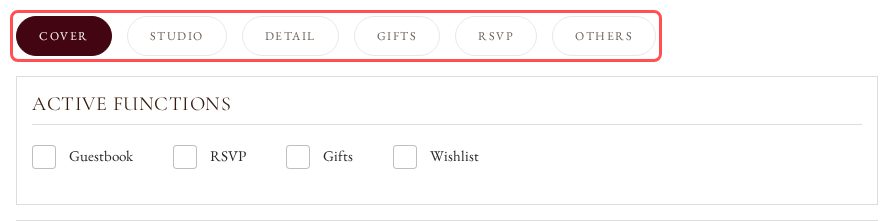
The editor has six tabs: Cover, Studio, Detail (Details on Template cards), Gifts, RSVP and Others. Click a tab to edit that part of your card.
2
Move Between Tabs
Click Next or Previous under the form to go through the tabs in order.

3
Check the Live Preview
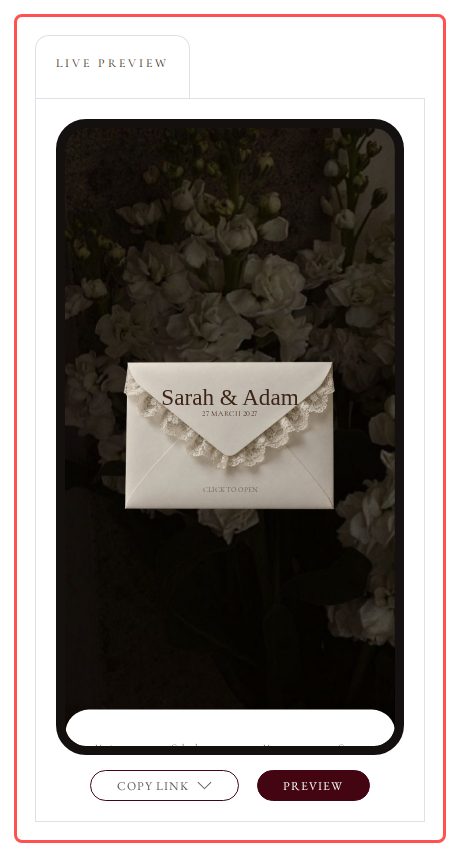
The Live Preview on the right shows your card as you edit it.