
What can we help you with?
Save Your Changes
Save your edits with Save Draft or Publish and check the result.
1
Watch the Live Preview
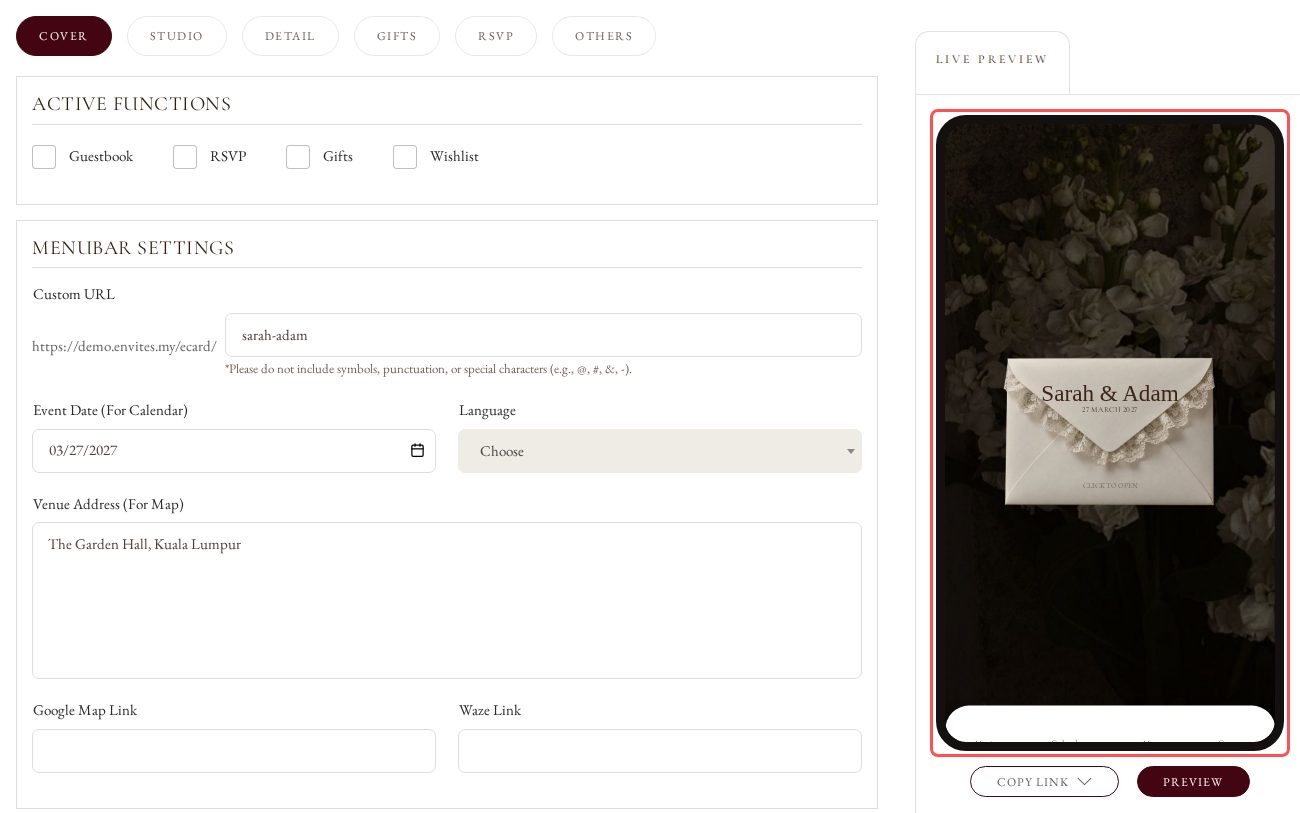
Edit anything in the tabs. The Live Preview on the right shows how your card looks.
2
Click Save Draft or Publish
Click Save Draft or Publish under the form. Both buttons save the changes in every tab.

3
Look for the Message
The page reloads and shows Update Successfully. at the top.

4
See Your Card
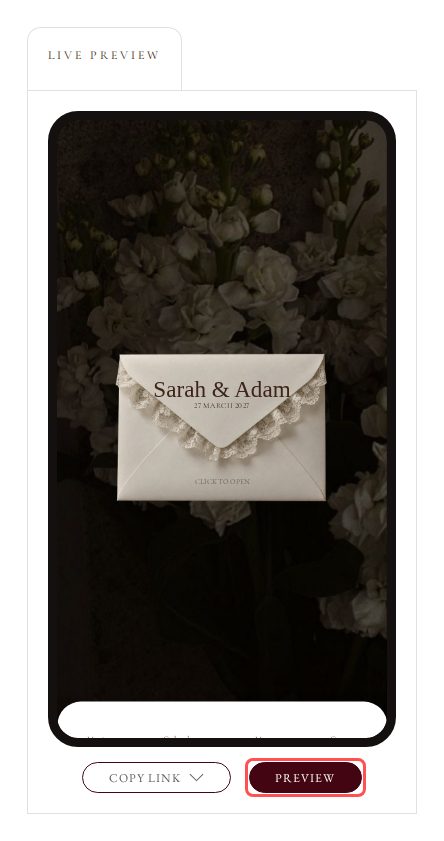
Click Preview under the Live Preview to open your saved card in a new tab.