
What can we help you with?
Set Your Card Link, Date and Map
Custom URL, Event Date, Venue Address, Google Map and Waze links.
1
Choose Your Custom URL
In the Cover tab, type your link name in Custom URL using letters and numbers only. If the name is already used, the editor says This custom URL is already in use. Please choose a different one.

2
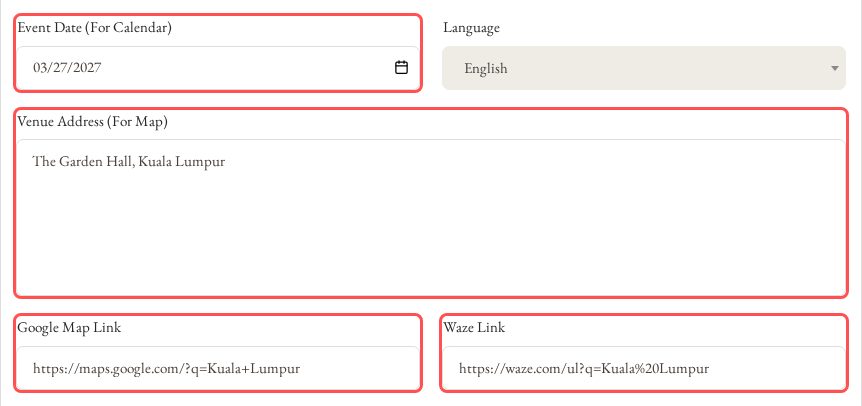
Enter the Date and Venue
Fill in Event Date (For Calendar) and Venue Address (For Map), then paste your Google Map Link and Waze Link. Guests see them in the Calendar and Map buttons on your card.