

What can we help you with?
Put Each Guest's Name on the Card
Guest Name Tags and the Guest Name switch.
1
Make a Name Tag
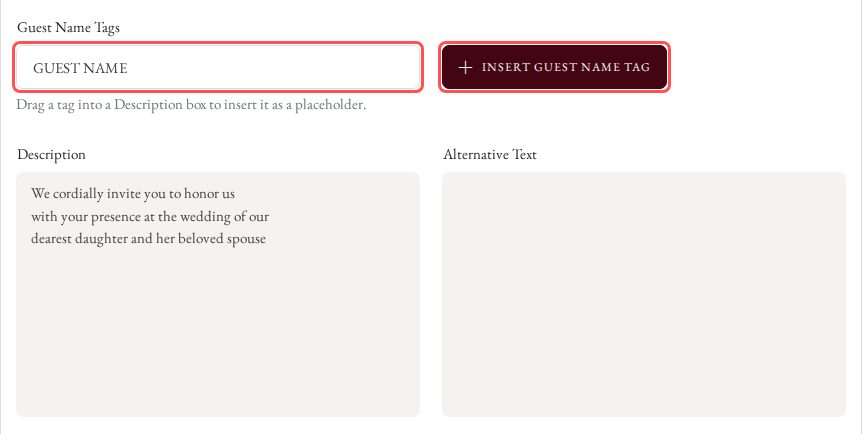
In Guest Name Tags, type a tag name and click Insert Guest Name Tag. Drag the tag into a Description box to use it as a placeholder.
2
Turn On Guest Name
Switch on Guest Name. The guest's name shows under the Description only when the card is opened from that guest's personal invite link (RSVP List > Copy).
